We had heard claims that very large AI models could run on machines with modest RAM, so we wanted to measure what “run” meant in practice. Colibri makes this possible by streaming model weights from storage, but its documentation still calls for at least 8 GB of RAM for its smallest setups and more for GLM 5.3. The question matters while memory remains in demand: in August 2026, TrendForce forecast tight DRAM supply through 2027. We tested a full-size GLM 5.3 checkpoint on a CPU-only machine with four virtual CPU cores, 32 GiB of RAM and two 480 GB NVMe drives. The model loaded, answered and later used a research tool. We also measured the trade-off in speed.
Preparing the machine
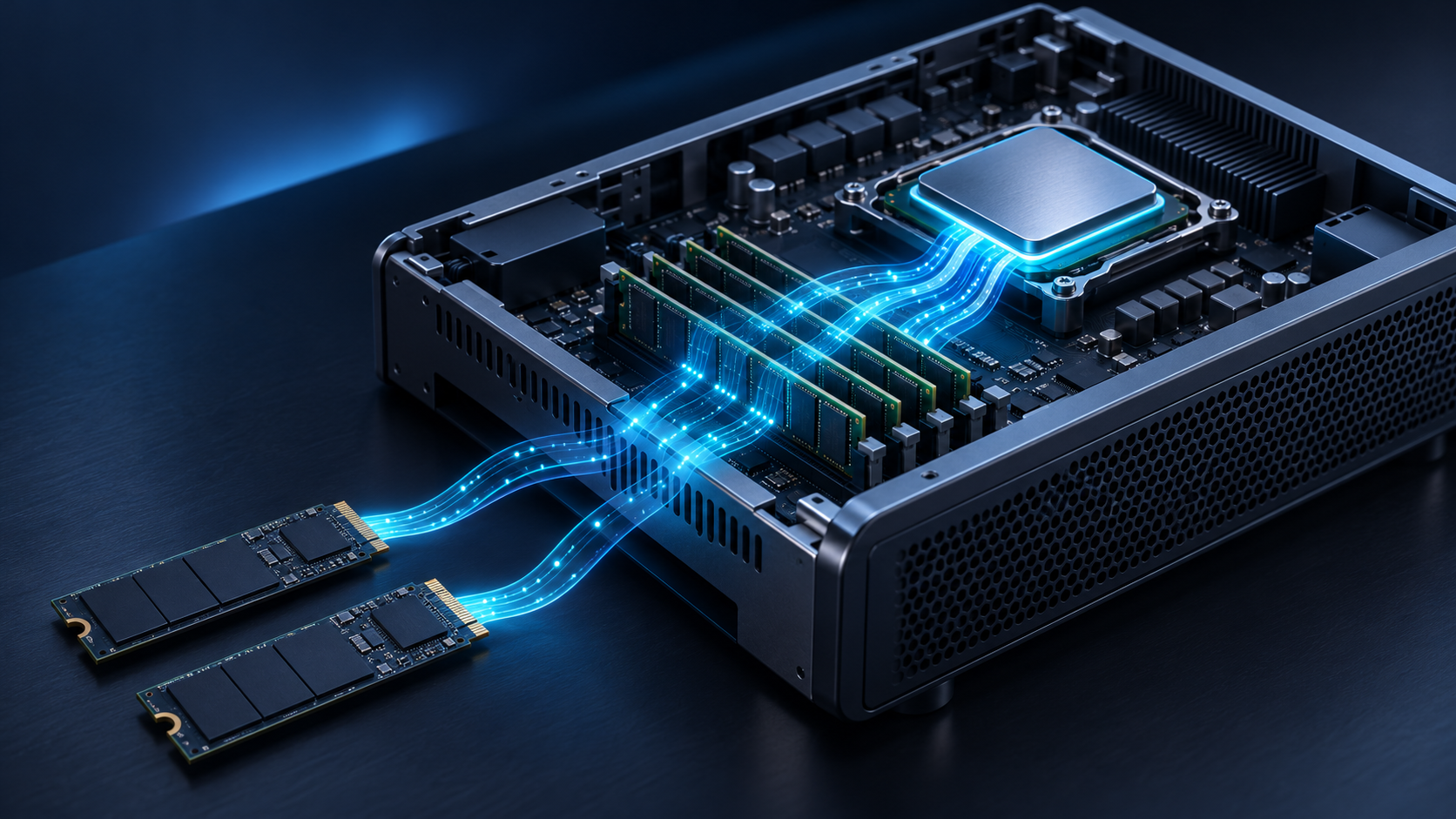
We used Ubuntu Server 24.04 and combined two verified empty NVMe drives into a temporary, striped filesystem with roughly 880 GiB of formatted space. The source checkpoint was about 756 GB; the prepared model occupied about 393 GiB. We kept the model service local to the machine.
We installed build tools and Python conversion packages, including CPU-only PyTorch. We pinned Colibri, patched its converter to use an exact checkpoint revision, and compiled its C inference engine. PyTorch converted the weights; Colibri handled inference without a GPU.
The checkpoint was a public, third-party GLM 5.3 FP8 variant. We converted it to grouped int4. “Full-size” refers to the 744-billion-parameter model family and its main model, rather than original-precision weights. We also aligned prompts with the checkpoint’s own chat template.
What Colibri changes
GLM 5.3 is a mixture-of-experts model. It has many specialised groups of weights, but each generated token uses only some of them. Colibri keeps a limited working set in RAM and reads other experts from disk when needed. This lets a machine with much less RAM than the model’s total size run it, with disk speed and CPU performance becoming central to response time.
For the initial tests, we gave Colibri a 24 GiB RAM budget and a 4,096-token context. In a later session, we raised those settings to 28 GiB and 16,384 tokens. The model API remained available only through a local connection. These settings let us test both a short answer and a longer, tool-enabled research workflow.
Download, conversion and response time
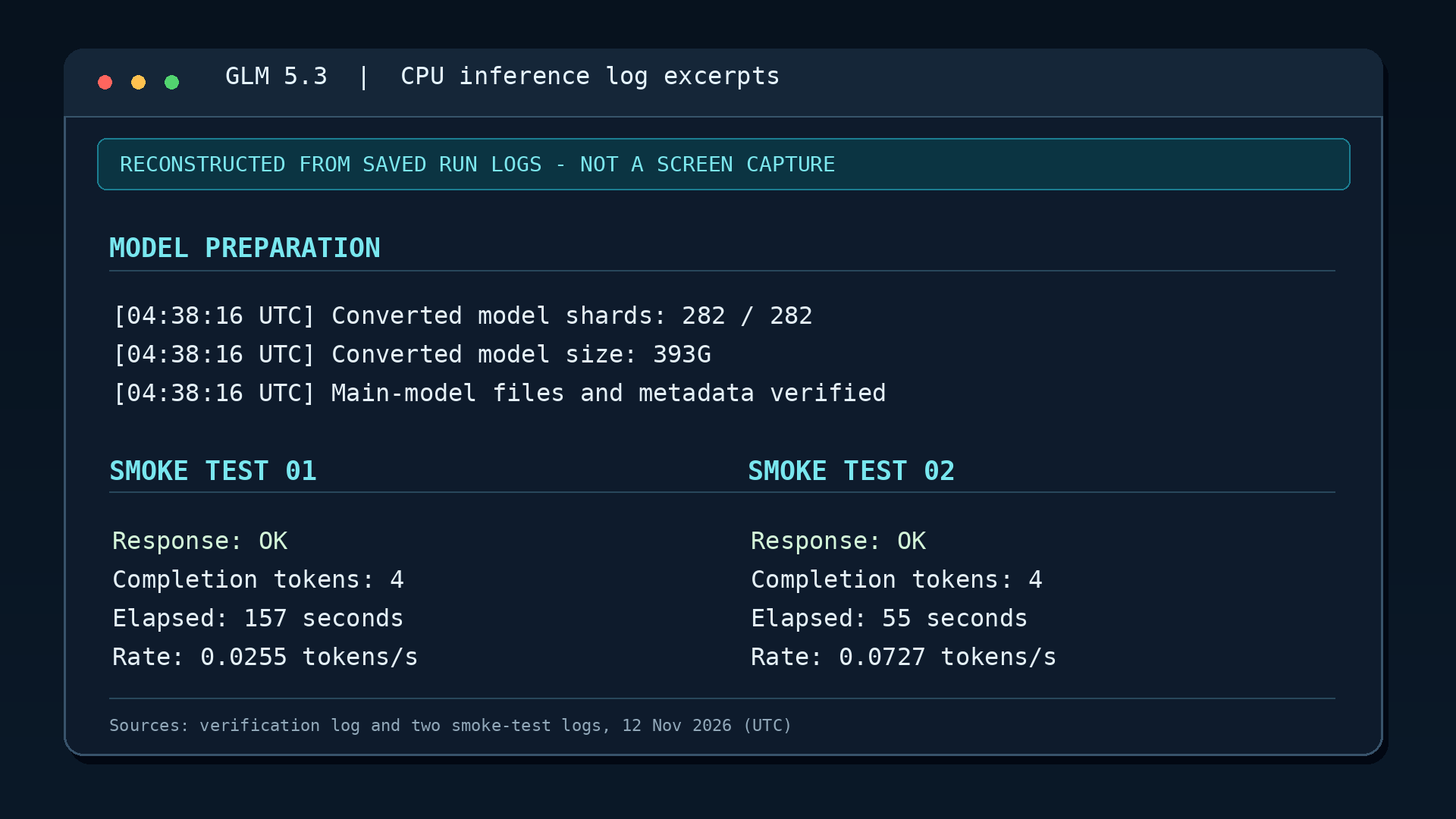
The first 4.58 GB source shard downloaded in about 30 seconds, averaging 152.5 MB/s. The converter downloaded the checkpoint one shard at a time, converted each shard, and removed the temporary source copy. After an initial serial pass, we used two conversion workers. From the resumed full run at 02:46 UTC to a verified merge at 04:38 UTC, downloading and preparing the main model took about 1 hour 52 minutes. The completed model occupied about 393 GiB.
A short local test asked the model to reply with “OK.” It did. Processing the 16-token prompt took about 112 seconds, and the four-token answer completed in about 157 seconds overall. A second test reused a cached prompt prefix and produced four tokens in 55 seconds, around 0.073 output tokens per second.
The longer test showed the practical limit more clearly. Processing a 1,712-token research prompt took about 93 minutes before answer generation began. The first response arrived about 1 hour 48 minutes after the request started; that trial deliberately capped the answer at 64 tokens, so it ended as an unfinished heading. With that cap removed, a later tool-enabled session generated roughly 803 tokens over 2 hours 24 minutes after prompt processing. The model eventually selected a bounded, read-only connectivity check through our local tool runner.
The experiment showed that Colibri could run this full-size, quantized model on 32 GiB of RAM without a GPU. Streaming large models from storage could broaden access when memory is scarce, but “can run” and “practical for interactive research” are different benchmarks. On this four-vCPU machine, setup was manageable and generation was the bottleneck. Faster hardware would need its own measured test before we could claim an interactive working speed.